Collect payment for a Video Telemed visit
Last updated: October 15, 2026
First you will need to follow these instructions to create a Stripe account, and then link your newly created account to Solv's account through the unique Stripe Authorization form link that you received from [email protected].
This will enable you to link your Stripe account with Solv's account so our system knows to deposit money into the correct bank account.
Steps to collect payment from the patient
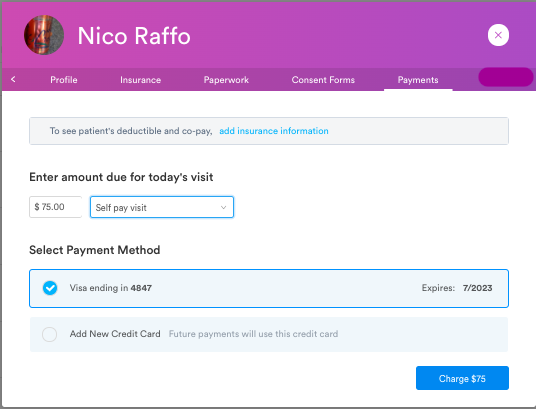
From the Solv virtual waiting room, in the Active tab or Done tab, click the “Charge” button on the patient's row to open the facesheet's Collect Payment tab
Choose a charge method — card on file, new card, terminal, cash, or check — to complete the charge
You'll see a confirmation notice that the charge was successful
Billing post-visit
You can also go into “Payments” button on the landing page when you log in at manage.solvhealth.com. There you can search for patients to see all of the charges your patients have incurred.
From there, you can send new SMS bills or reminder SMS bills
There is more information on this piece in the recorded training video