Cancel a Patient Booking
Last updated: October 18, 2026
How to cancel a patient's visit
To cancel a patient's visit,
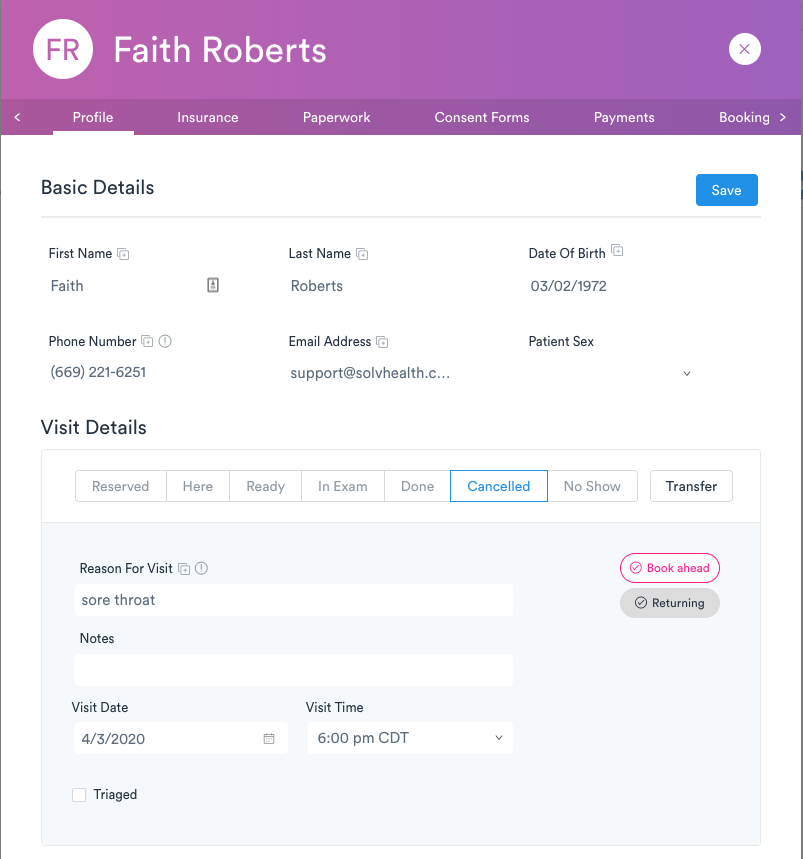
Open the patient's record by clicking on the patient's name
In the Visit Details section, click on the "Canceled" status
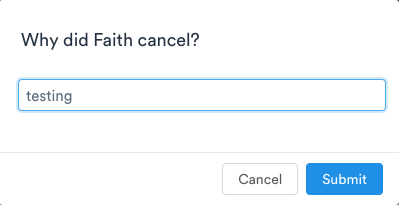
A pop up will appear asking for the reason the visit was cancelled
Enter the patient's reason for cancellation, and click Submit
Click Save