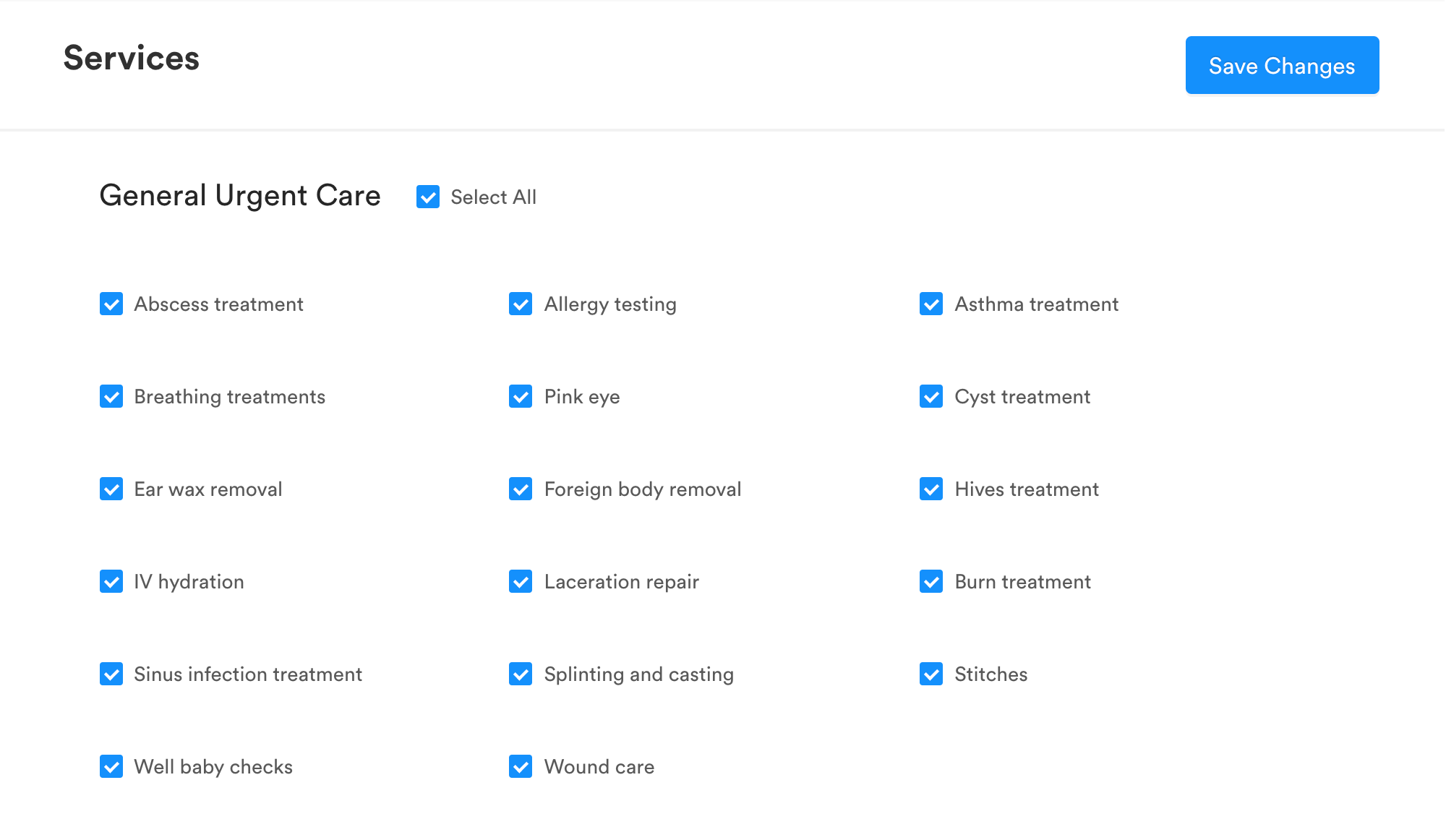
How to update your Services listed on Solv
Last updated: October 18, 2026
It's important to keep your services updated because the services that are listed can help patients decide to receive care at your clinic when searching on Solv.
Steps to update Services in Solv
Log into manage.solvhealth.com/login
Enter your credentials
Go to Settings
Go to the Locations tab
Find the location on the location you'd like to update, and click Edit
On the left side of the page, you will see a tab called Services
Indicate the services, tests, vaccinations, and treatments that you offer by clicking on the appropriate checkboxes
Click "select all" if you provide all of the services in that category
Click on the Save Changes button to save your work